Tommy De Kimpe
•
User Experience

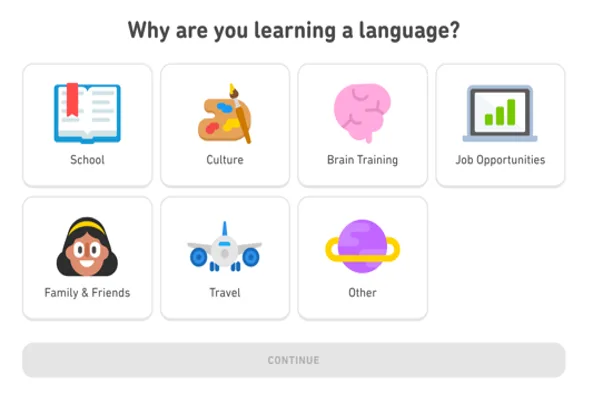
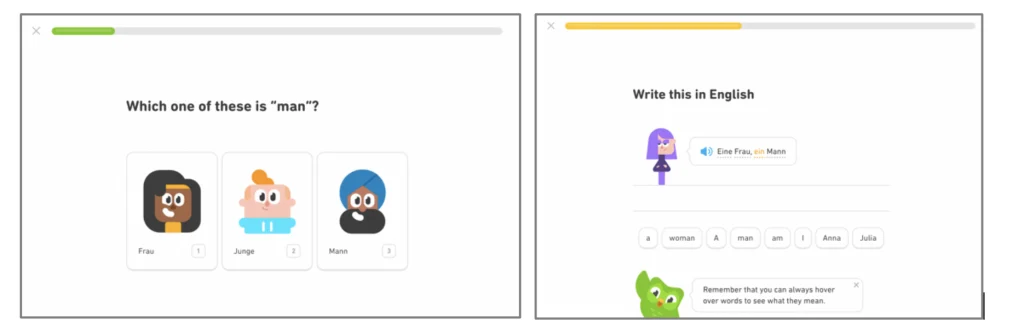
Canva makes its app intro fun and engaging. They make the user connect on a personal level and educate them effortlessly by providing short trunks of information. Recognize the focus points we discussed?
Key Take-aways
If there is one thing you should remember from this article it’s this: to retain your users, don’t leave them to their own faith. Guide them through your product and take advantage of their attention. Keep in mind you want to pamper your user, explain all important features and get them hooked on your app.
Remember, an app intro is part of the onboarding process of a (new or returning) user in which it’s made clear what is offered and why the user should continue to use your product. In addition, an app intro shows in a very clear and fast way how users can complete their top tasks. In some cases, it is necessary to emphasize for whom the product offers added value.
Keep in mind the app intro should be,
short (visual)
optional
educational
convincing
Want to give it a try yourself but don’t know where to start? Don’t worry! We’ve got you covered. Take a look at our checklist and get started right away!
If at any time, you would like some help or advice, feel free to contact us. We’d be more than happy to be of assistance.
Researching into customer onboarding, more specifically into the app or product intro, I was again struck by all the examples of these psychological principles at work. One of these principles is that users will be much more motivated to use a product if they get actively engaged right from the start. In this article, I’ll dive a little bit deeper into what it means to actively engage a user and how you can do that.
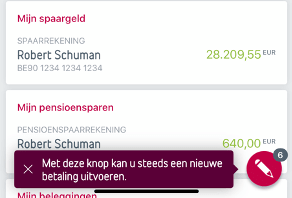
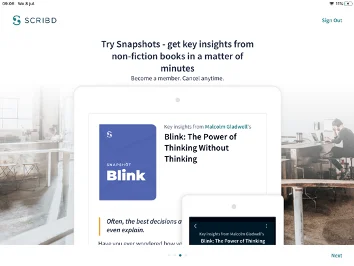
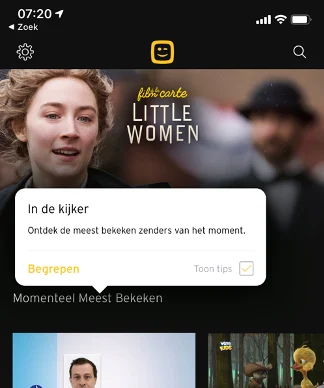
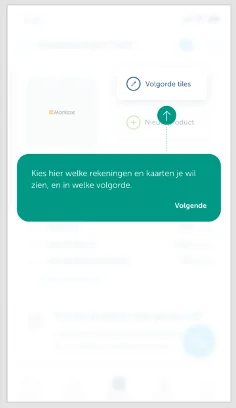
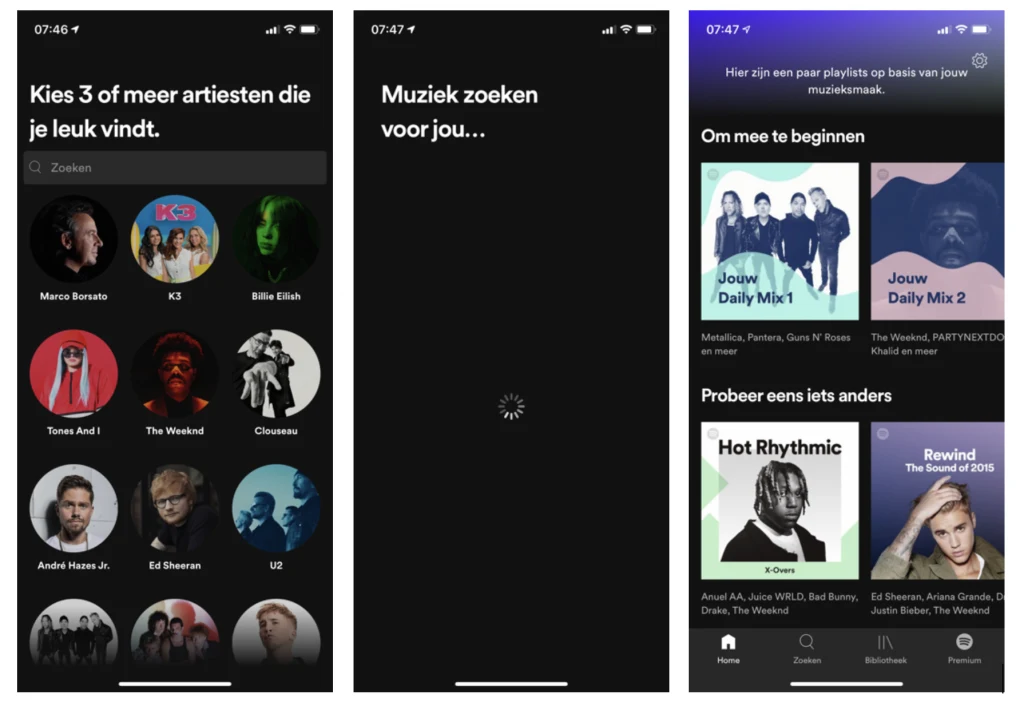
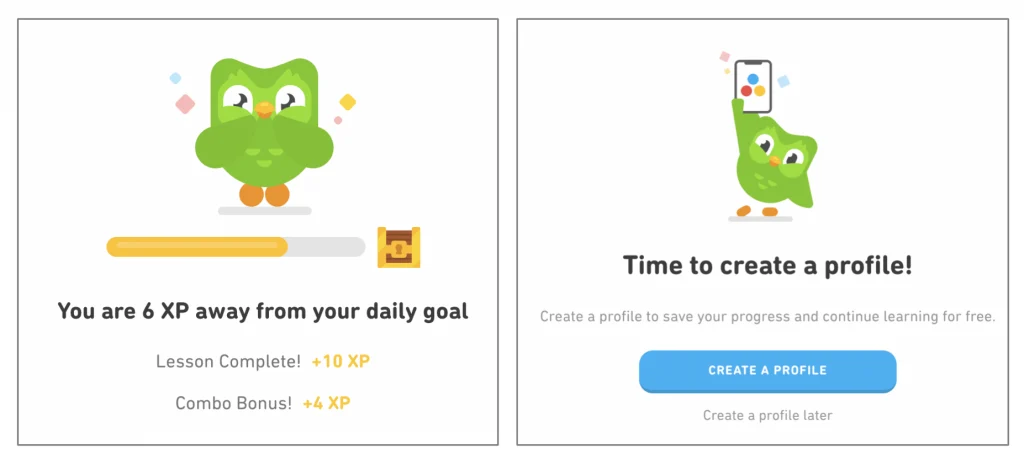
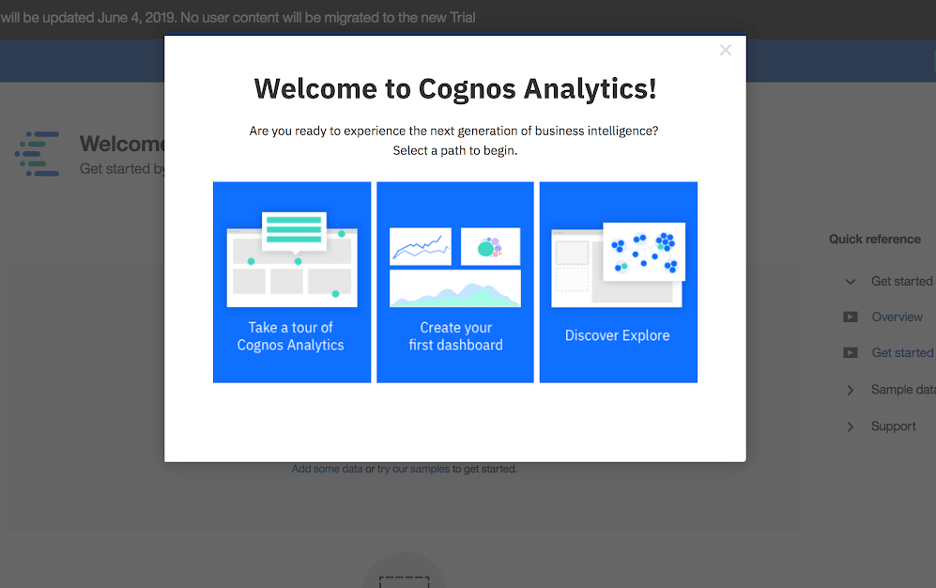
First, let’s define what we mean with “product or app intro”. A product or app intro is a short tutorial that explains the core functions of the application to the new user. You can use it to bring your user up to speed fast and to let him or her experience the value (proposition) of your product quickly. It usually pops-up in the form of 3-4 screens in a small wizard or a clickthrough with some arrows pointing to the locations where the user can perform the most basic functions.
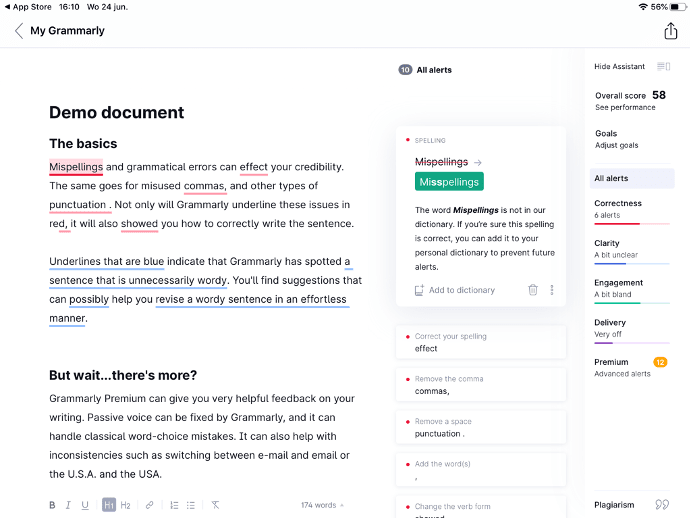
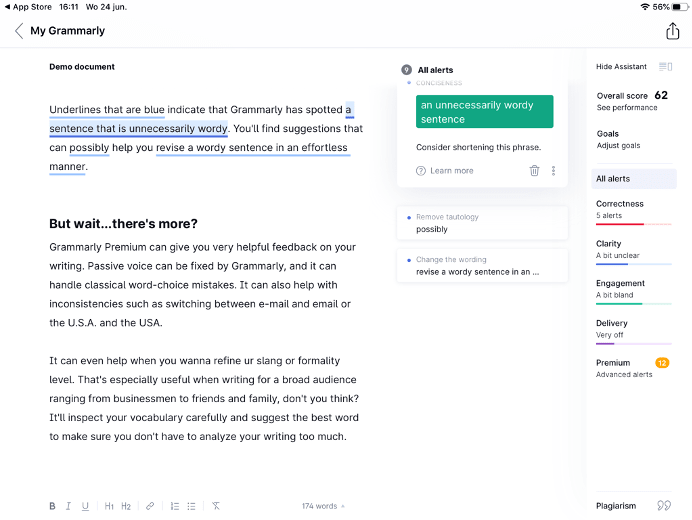
Here are some quick examples of app intros: